
Ablaze AI
AI HINGE PHOTO GENERATOR
AI Hinge Photos That Start Conversations
Generate AI Hinge photos optimized for likes and meaningful conversations. Upload selfies and get 12-24 professional Hinge photos designed to pair with your best prompts.

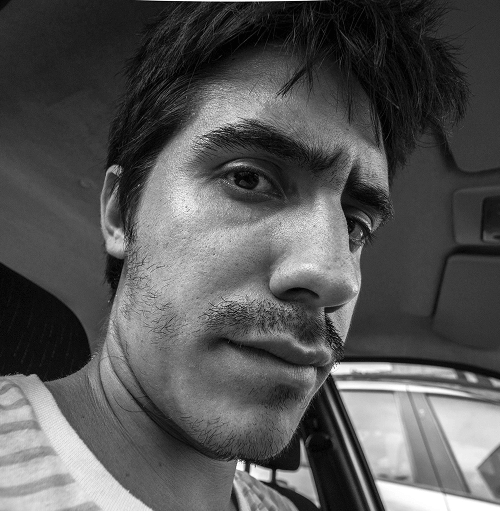
Before

After AI
3X Matches

Flexible CMS
Create whatever content types your site needs with a flexible, visual CMS.
and

Simple editing tools
Empower content teams to easily, independently produce at scale with the Editor.
Real Results
Real Hinge Photos from Our AI Generator
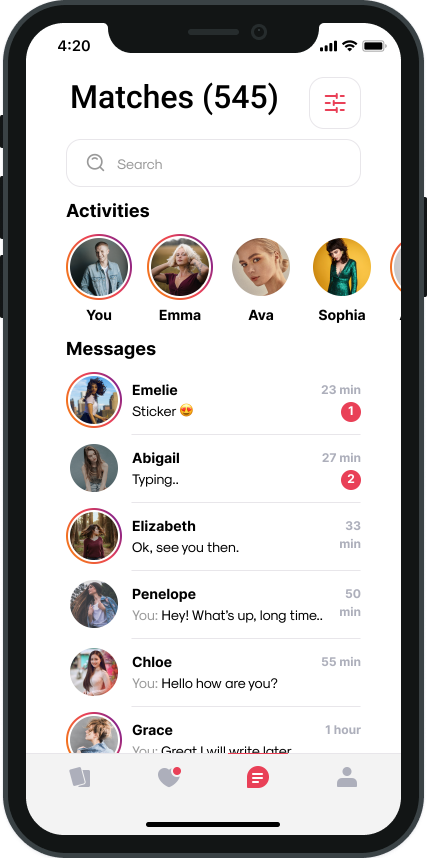
See why men looking for relationships choose AI photos for Hinge. Professional quality that matches Hinge's thoughtful user base and prompts meaningful conversations.

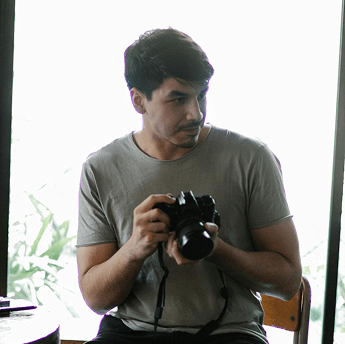


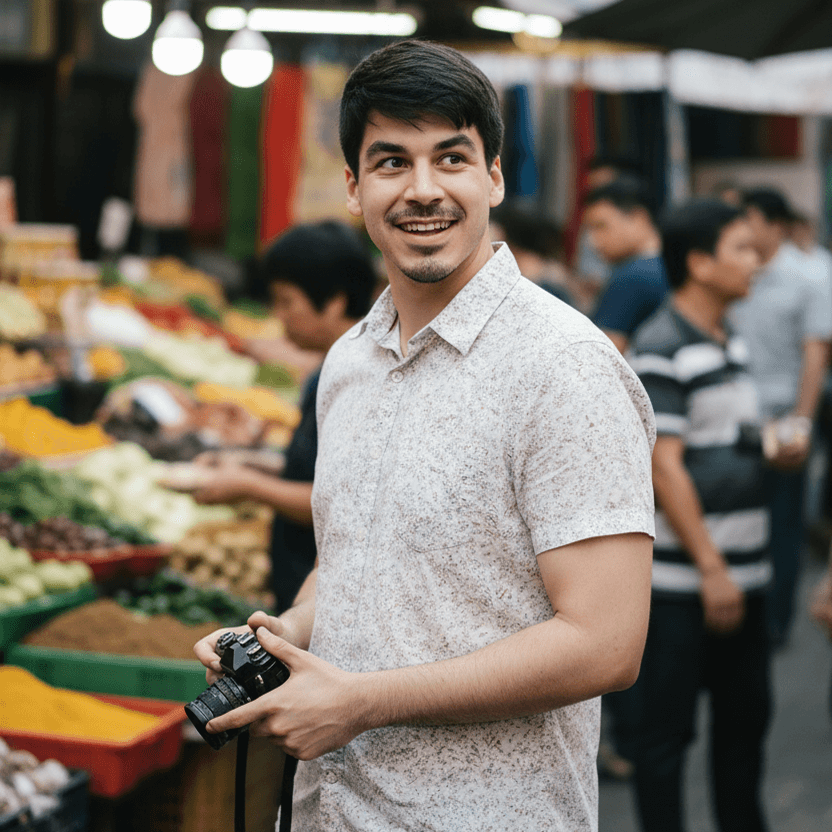
Ablaze AI Generated

Ablaze AI Generated
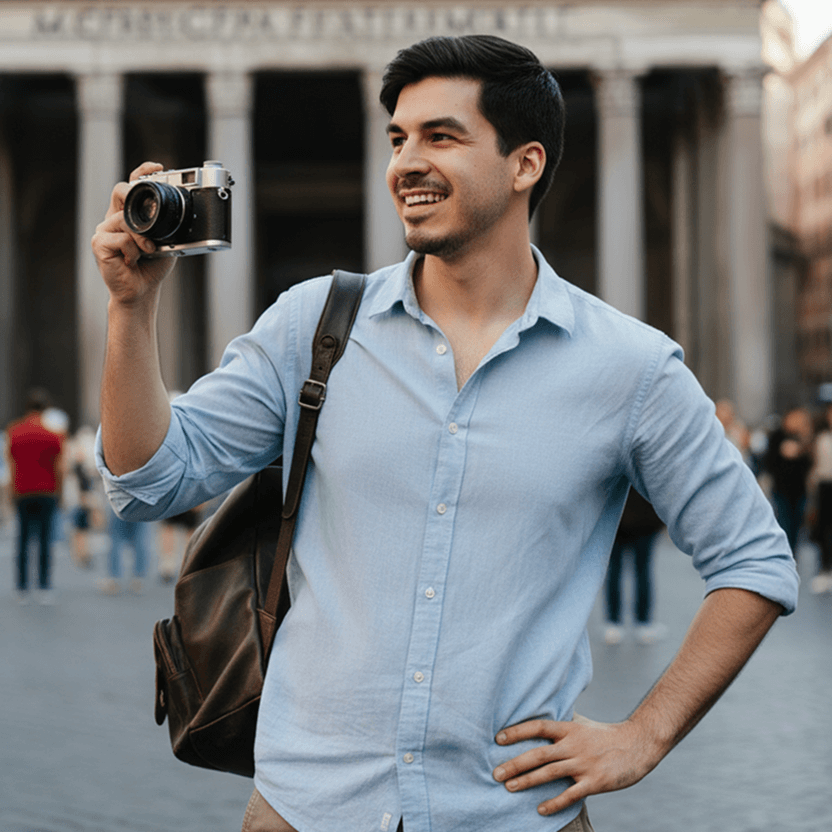
Ablaze AI Generated
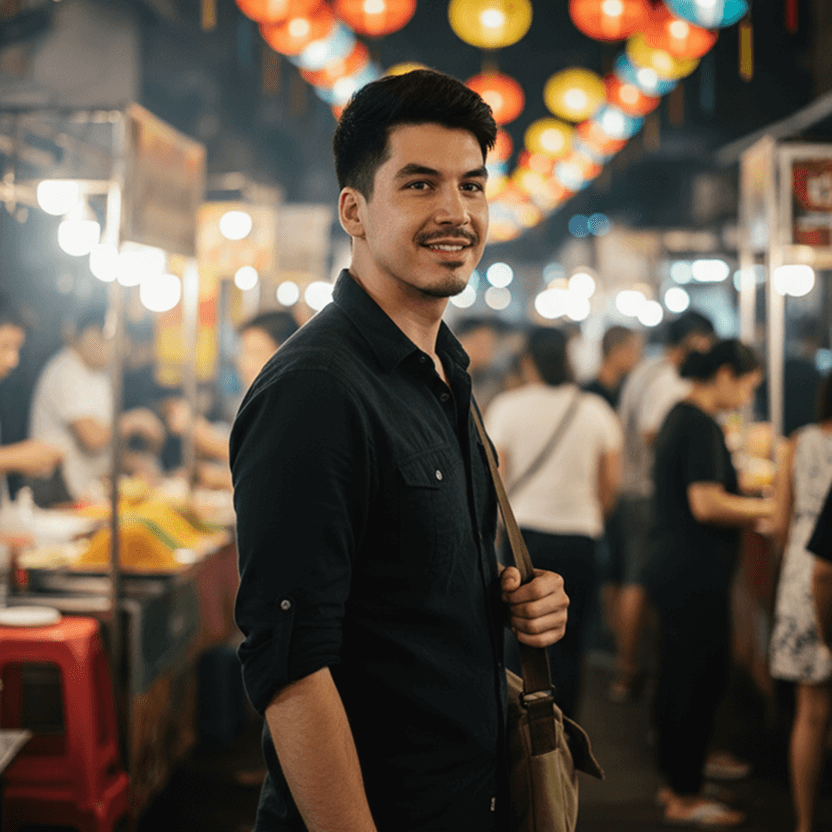
Ablaze AI Generated
400+
Team members
80%
Faster page loads
6pt
SEO score increase
2
Months to migrate
5/5
Glassdoor
Change the way you work with clients forever.
Take control of HTML5, CSS3, and JavaScript in a completely visual canvas — and let Webflow translate your design into clean, semantic code that’s ready to publish to the web, or hand off to developers.
Add and edit schema markup
check
Meta titles and meta descriptions
Unlimited
Robust 301 redirects management
check
Simple image alt tag editing
check
Add or upload courses
Nicole Cuban

Brian Collins
Arvin Richard
NewProject-Webflow.docx
Version 2.1.3
visibility
file_download
Build enrollment rules
local_activity
Event name
notifications_active
8:15 a.m.
to
8:30 a.m.
check_box
All day
place
Location
notifications_active
Remind me
15 min before
unfold_more
Track progress
computer
Technology

Fouroom Inc. – MRA
Nicy Cuban
added a document
description
NewProject-Webflow.docx
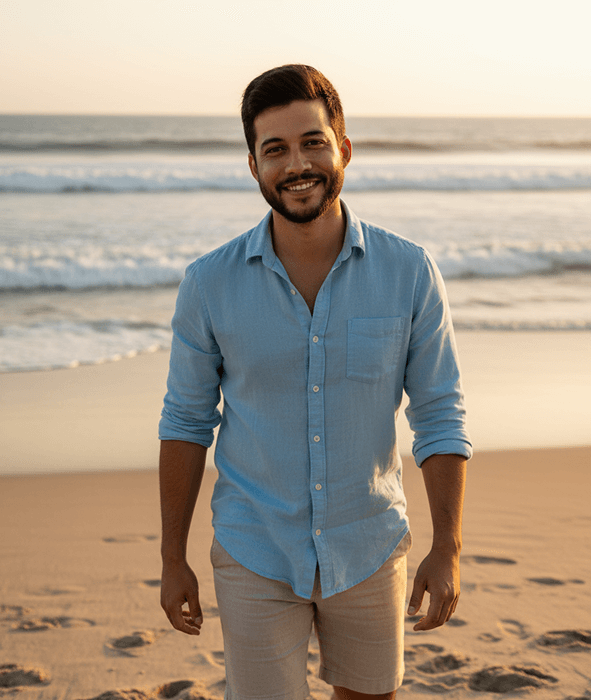
Ablaze AI Generated
Why Use AI For Hinge Photos?
Built for Hinge's Prompt-Based Format
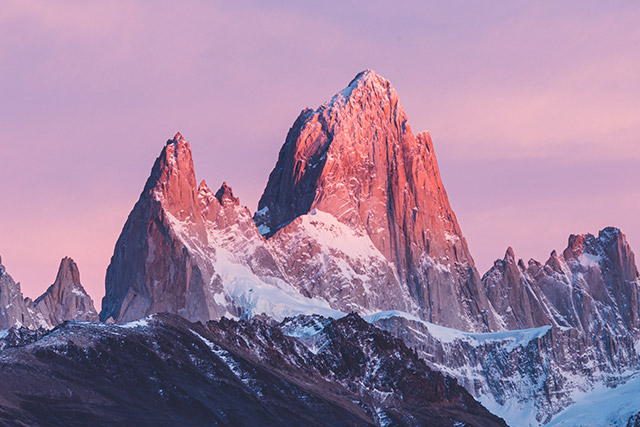
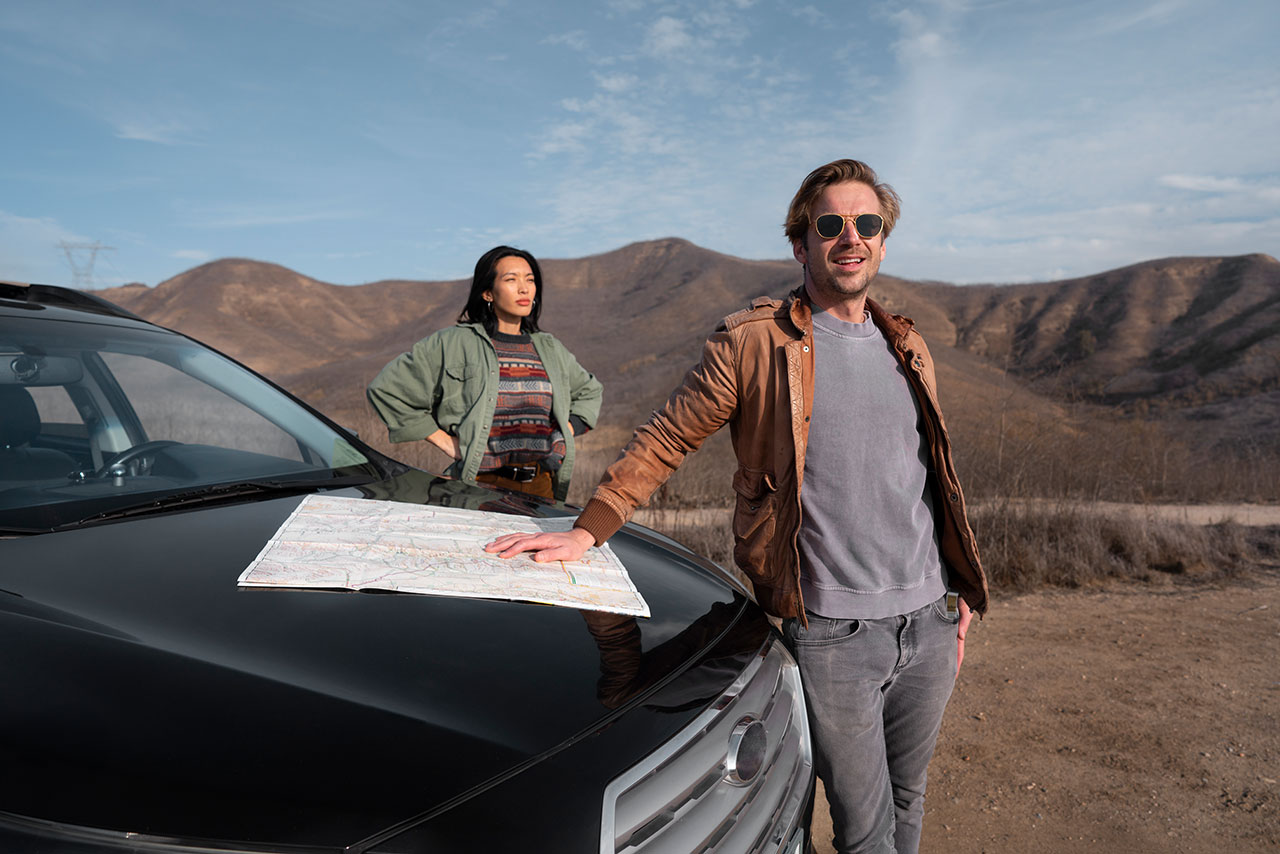
Hinge is all about personality and prompts. Our AI creates photos that complement your answers - coffee shop shots for "Sunday mornings are for...", travel pics for adventure prompts, thoughtful settings that make people want to comment.
Photos That Match Hinge's Relationship-Focused Vibe
Hinge users are looking for something real. Every photo we generate shows your genuine self in natural settings - not nightclub selfies or gym mirror shots. Approachable, authentic, conversation-ready.
Skip the $300-500 Photoshoot
Professional photographers charge hundreds and require scheduling, travel, and hours of posing. Get professional-quality Hinge photos from your living room in 2 minutes for a fraction of the cost.
Connect dynamic content to any layout
Filter what you display
Build a custom search experience from scratch
Create reusable CSS classes
Work with a CSS-based class system to make style changes across multiple elements at the same time.
Fine-tune typography
Use any font, and adjust everything from tracking to line height.
From WordPress to Webflow
favorite
4 min
·
Arvin Richard
·
star
4.5
Ultimate web design course
event
New Event
close
local_activity
Event name
notifications_active
8:15 a.m.
to
8:30 a.m.
check_box
All day
place
Location
notifications_active
Remind me
15 min before
unfold_more
Web animations with Lottie
check
Your order is confirmed!
Transaction detail
CMS & dynamic content
Style every element to perfection.
Design responsively
Easily preview and adjust layouts for the wide array of modern devices.
Build layout your way
From flexbox and CSS grid to inline block to absolute positioning, you have complete control over layout.
Create reusable CSS classes
Work with a CSS-based class system to make style changes across multiple elements at the same time.
Fine-tune typography
Use any font, and adjust everything from tracking to line height.
How it works
Create Hinge-Optimized Photos in Three Steps
Find out the perfect strategy with us:
1
Select Hinge-Friendly Styles
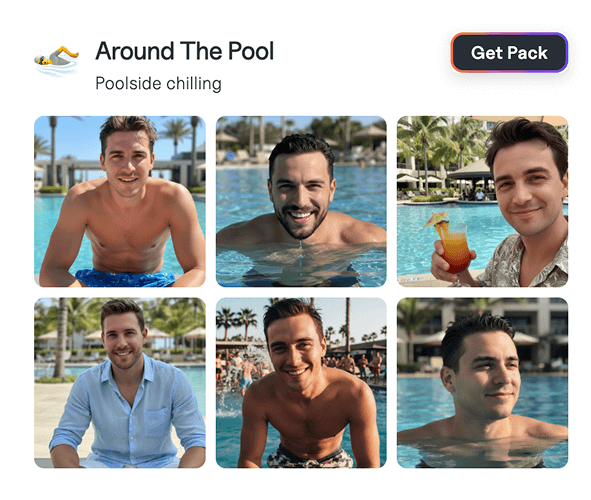
Choose from 20+ photo styles that work with Hinge's prompt-based interface. Thoughtful settings like bookstore browsing, coffee shop working, or scenic outdoor spots that give your matches something to comment on.
2
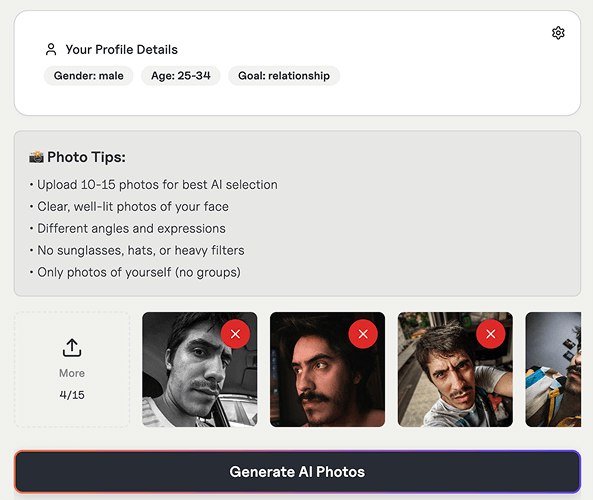
Upload Your Best Selfies
Give us 10-15 photos. Our AI creates Hinge photos that match your prompts and show different sides of your personality - exactly what Hinge's algorithm rewards with more visibility and likes.
3
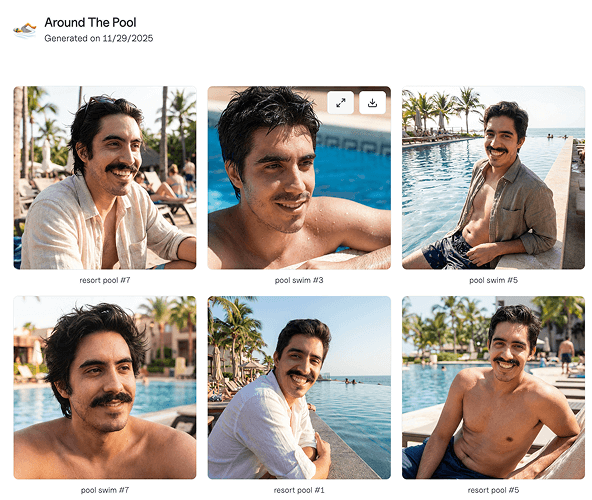
Get AI Hinge Photos
Get 12-24 conversation-starting Hinge photos in 2 minutes. Each photo gives matches an easy opening line that goes beyond "hey" and actually starts real conversations.
Level up your dating app game in minutes!
Join thousands getting more dates on Hinge, Tinder, Raya, Bumble, and more with Ablaze AI
Ablaze AI
Subscribe to our newsletter to get monthly dating tips.
Our AI Tools
Photo Generator
Bio & Prompt Generator
Profile Reviewer
Profile Generator
AI Dating Photos
Tinder Photoshoot
Tinder Photos
Hinge Photos
Bumble Photos
Dating Headshots
Dating Profile Pictures
Dating Profile Pictures
AI Hinge Profile Review
Tinder Pictures For Guys
Links
Social Media


Featured On:



